The camera, straight from the QR code
On any iPhone or Android, no install. Photos are resized on the phone, queued, retried and resumed when the room's 4G gives up.
Install it
Guests scan the QR code on the table, their phone's camera opens, and every photo lands in your private album. No app to install, no account to create. You host it, with one Docker command.

Built for the night itself: a guest has twenty seconds and one free hand. Built for the morning after: the hosts want every photo, sorted, private.
Guests see their own photos, and the others' approved ones only if you choose to share the album. Every photo request is checked, a copied link opens nothing elsewhere, and GPS position and camera metadata are stripped from every upload. Challenges, filters and a guestbook give guests something to do besides scrolling.
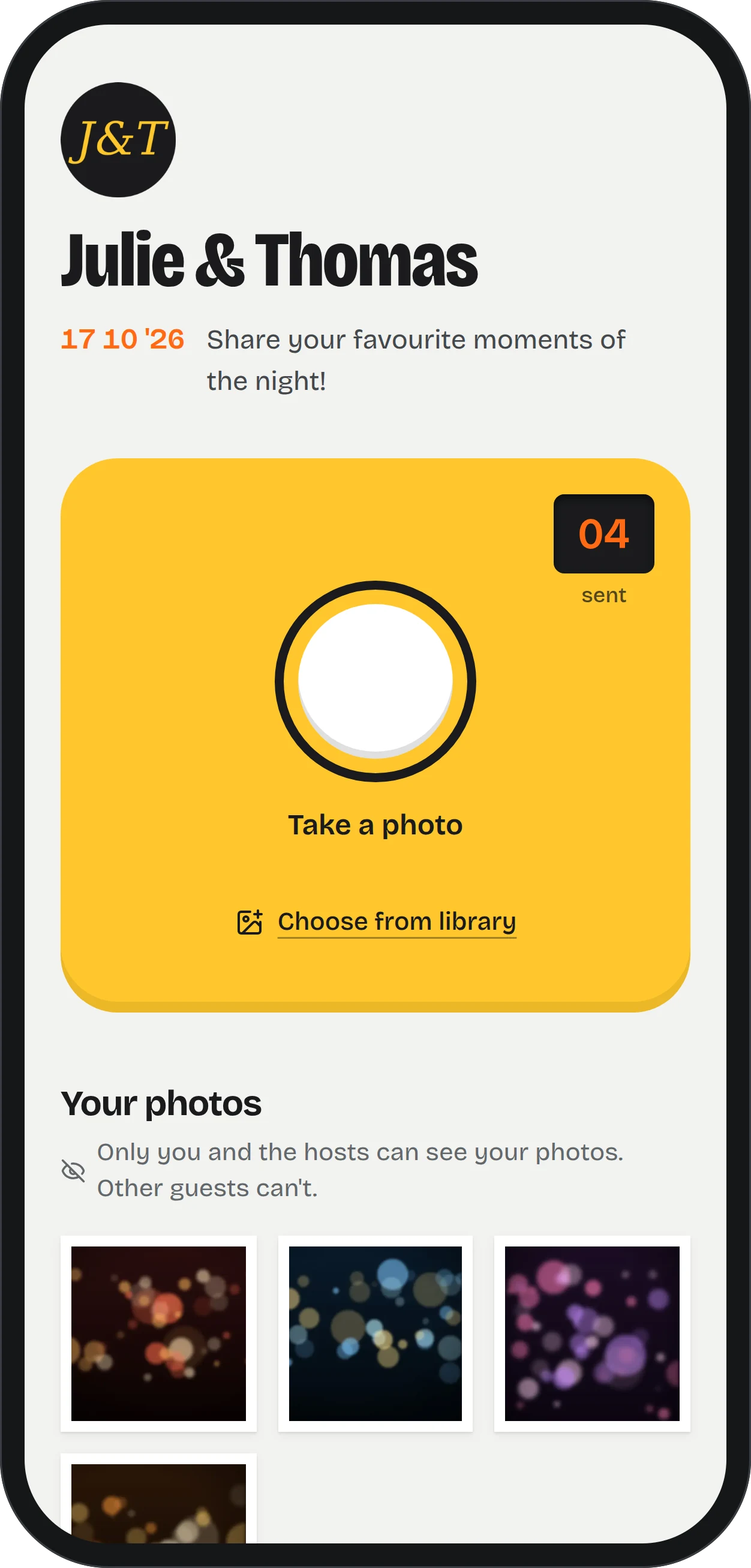
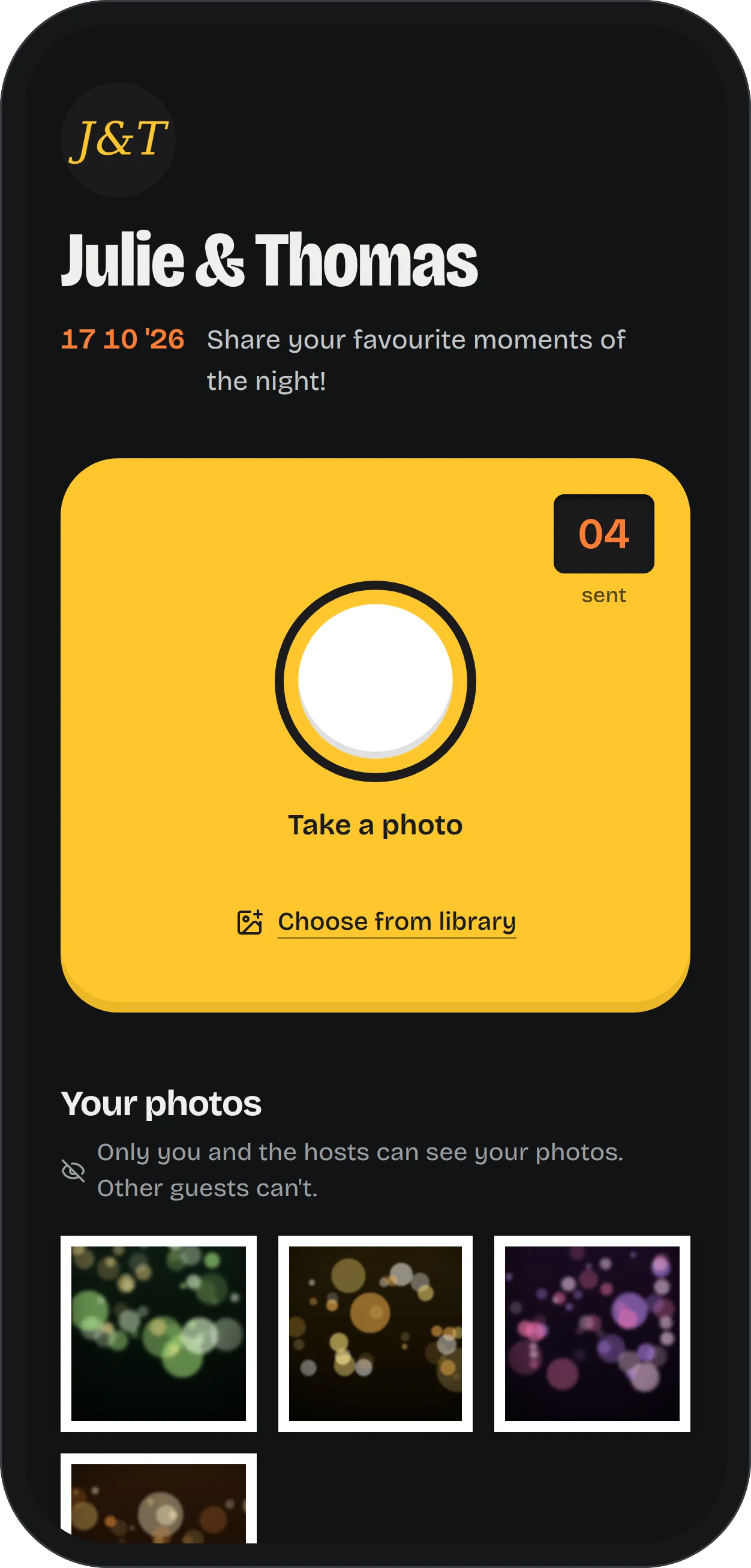
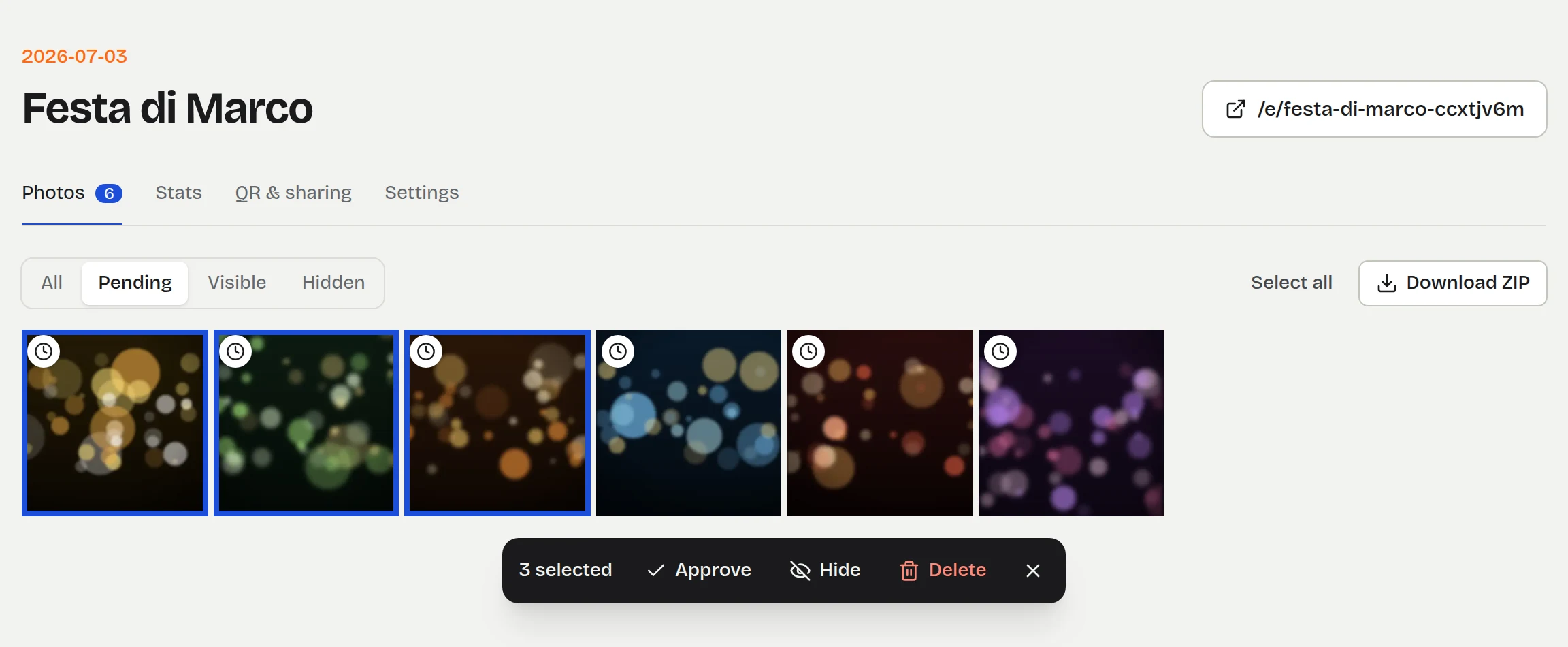
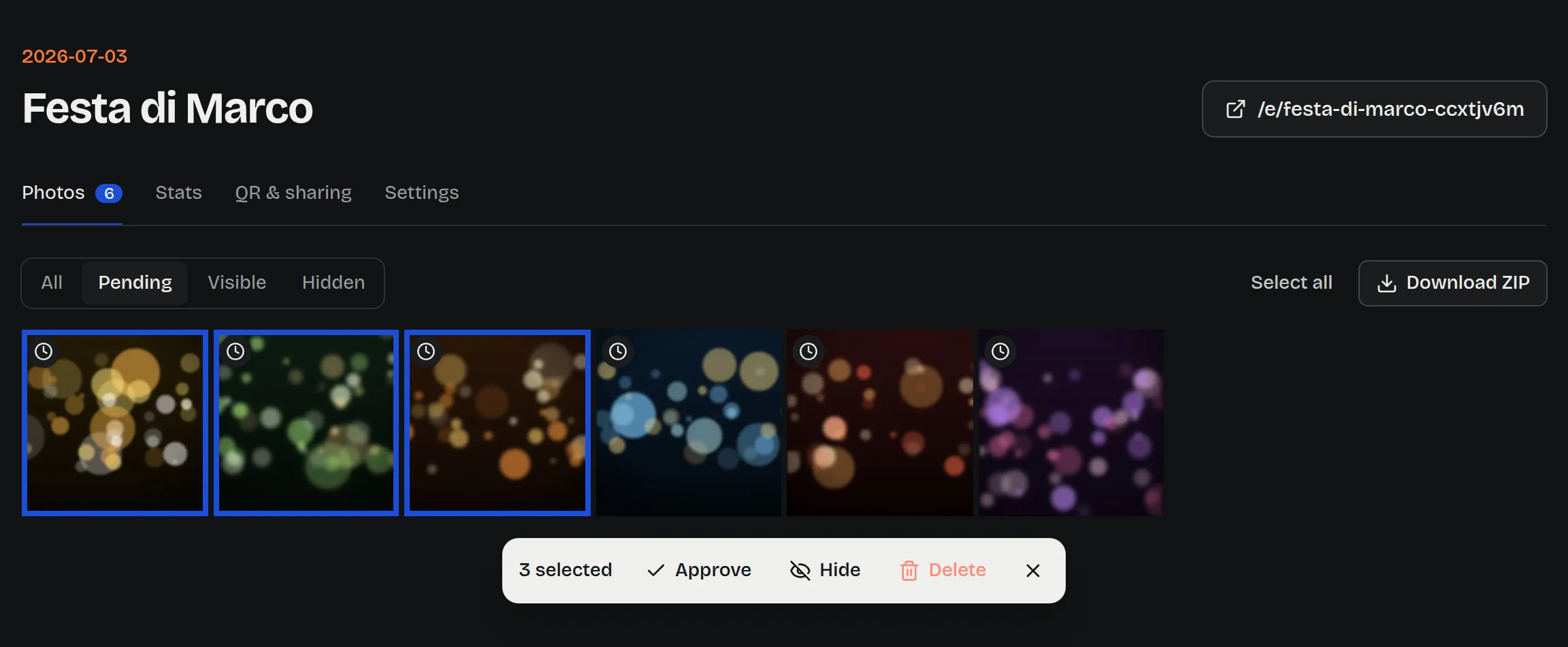
Approve each photo first, or publish and hide later. Select in bulk, star your favorites, add the photographer's shots, and download the whole album, or just the best of it, as one ZIP that streams even when it weighs gigabytes.
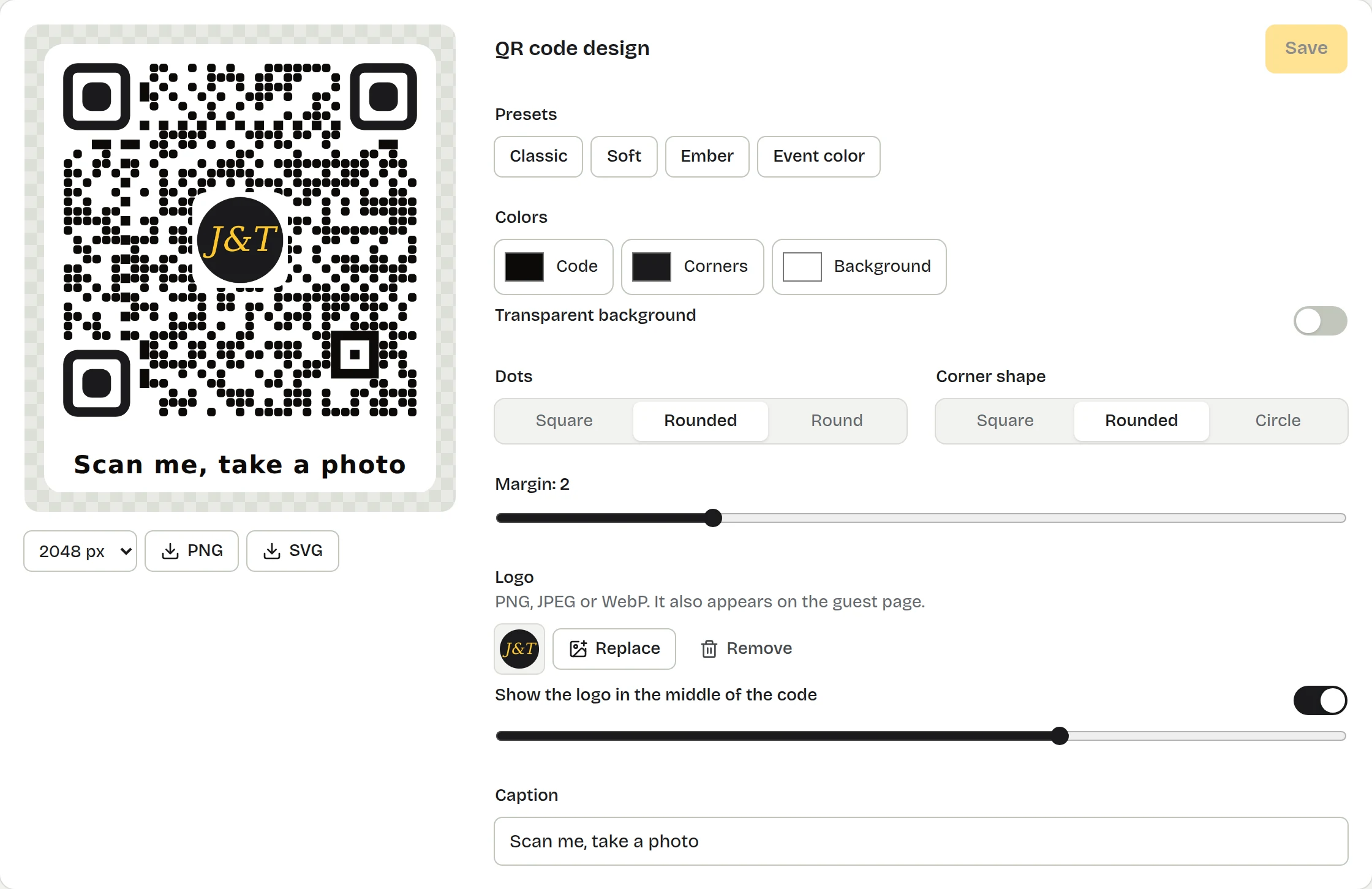
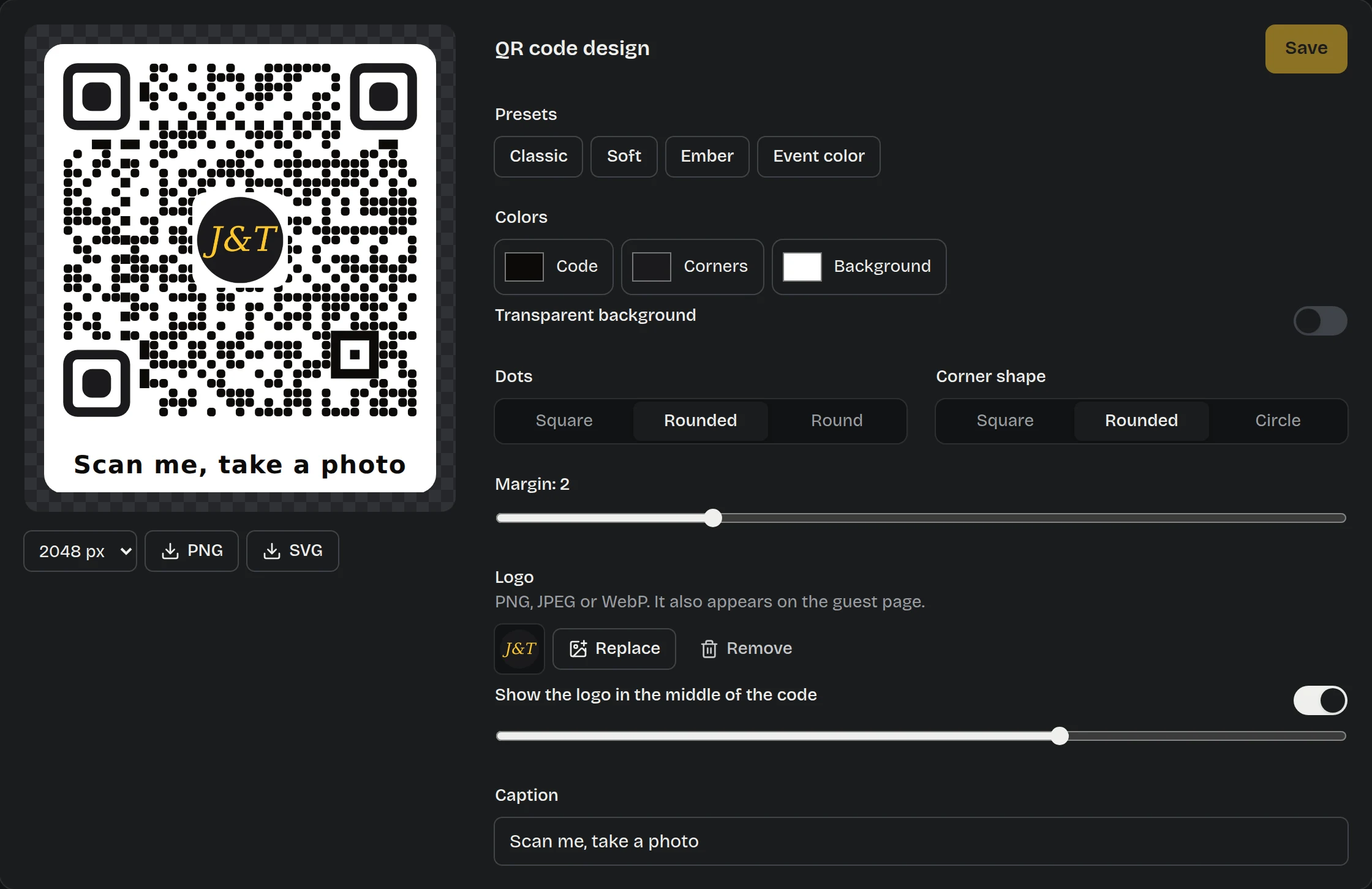
Colors, dot and corner shapes, your logo in the middle, a caption. Every preset is decoded by a real scanner in the test suite. PNG up to 4096 px, SVG for the print shop, a printable A4 table card.
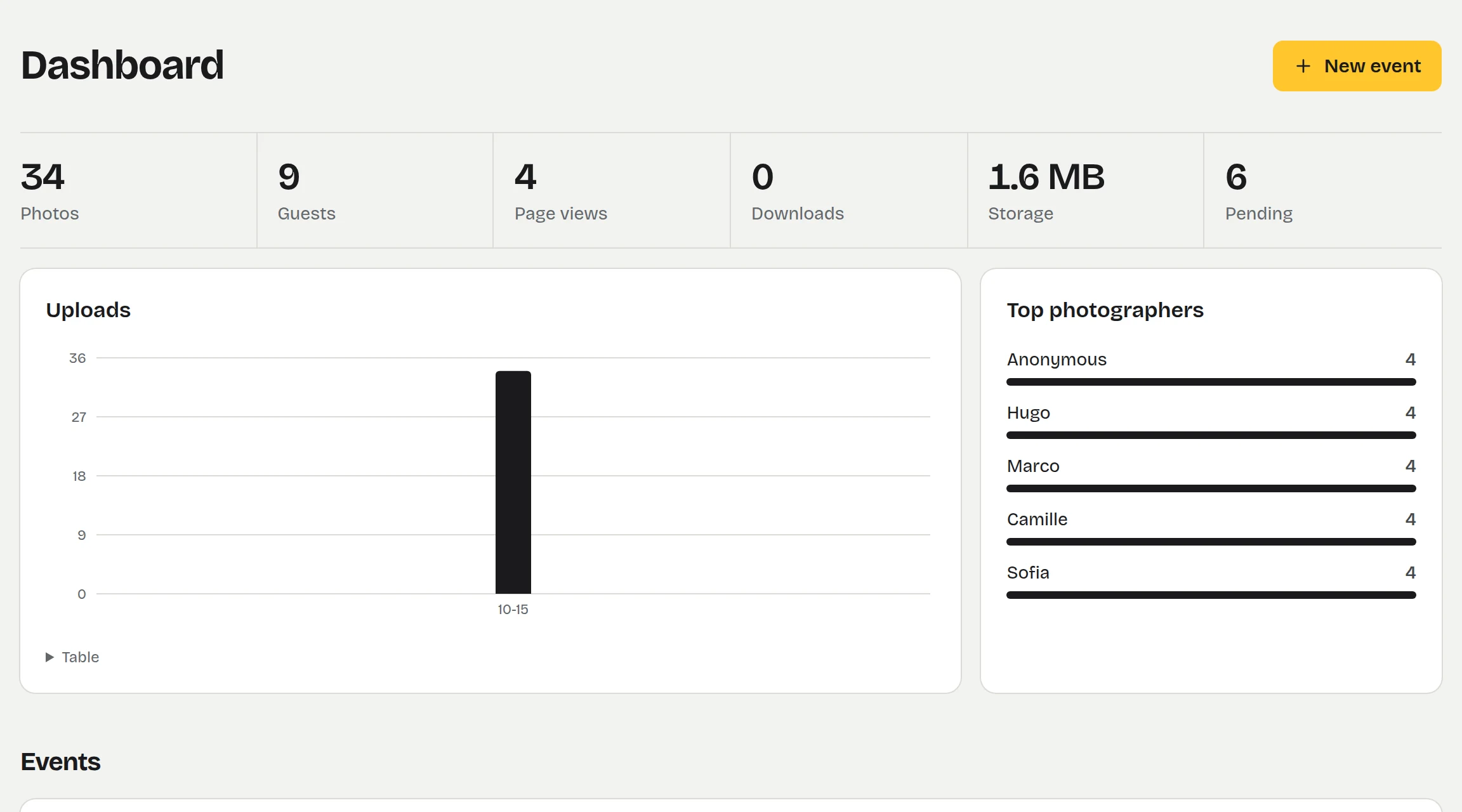
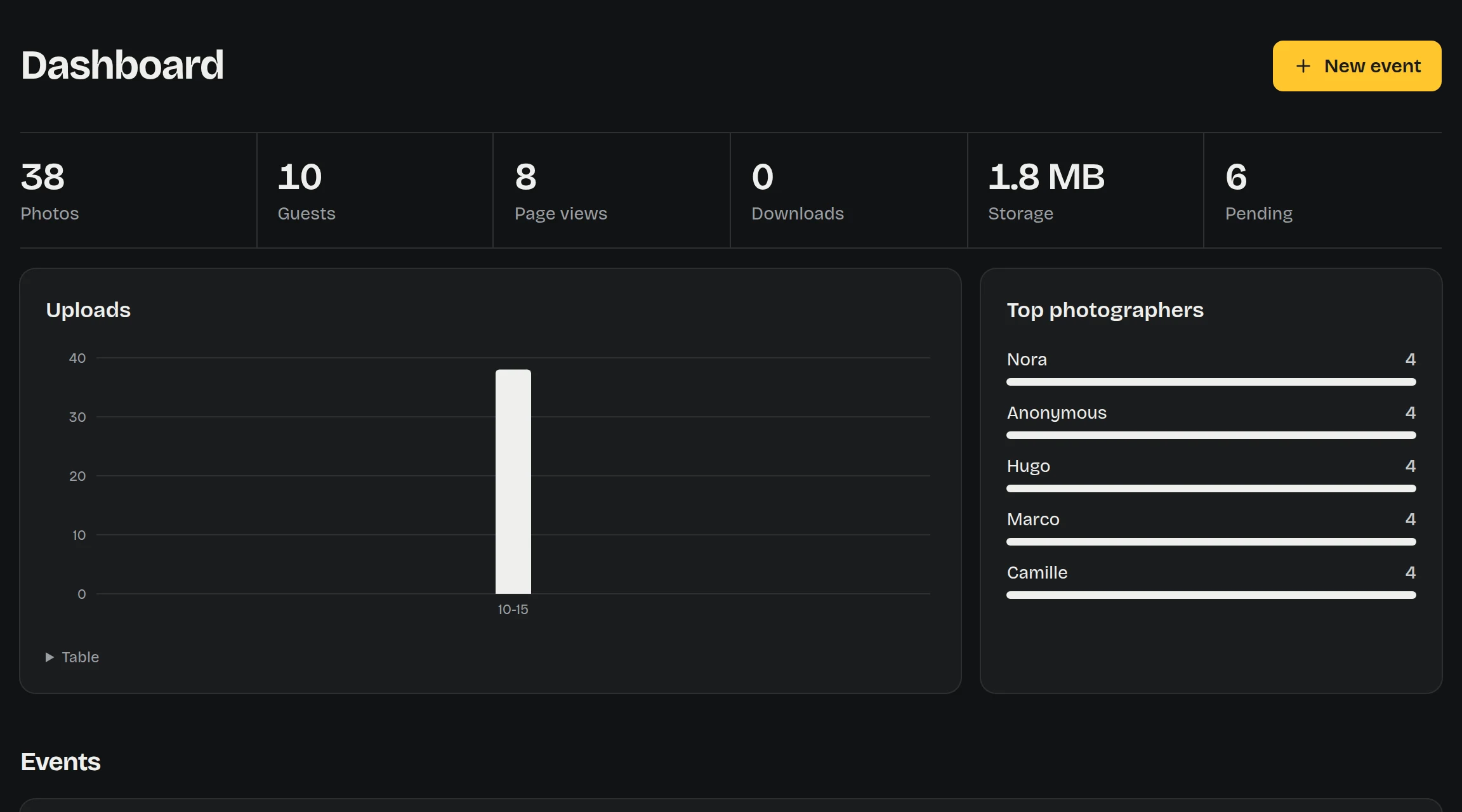
Photos, guests, views, downloads and storage at a glance, uploads hour by hour, who took the most photos, and how each challenge went.
A full-screen slideshow for a projector or a TV: one print at a time, a mosaic or a grid. New photos show up within seconds, credited to whoever took them, with the QR code in a corner so the room keeps joining. With moderation on, nothing reaches the screen before you approve it.
Every feature in a few minutes, from the QR code on the table to the album the morning after.
One container, one volume. Phones only open the camera on HTTPS pages: put it behind a reverse proxy with a certificate, the deployment guide has Caddy, Traefik and nginx setups.
docker run -d --name guestroll \
  -p 3000:3000 \
  -v guestroll-data:/data \
  -e ADMIN_PASSWORD='choose-a-long-password' \
  -e PUBLIC_URL='https://photos.example.com' \
  ghcr.io/achedon12/guestroll:latest
Then open /admin, sign in as admin, create an event and print its QR code.
| Guestroll | Shared cloud album | Paid event apps | |
|---|---|---|---|
| Guests install an app or create an account | No | Often | Sometimes |
| Guests see each other's photos | Never | Yes | Usually |
| Your photos stay on your server | Yes | No | No |
| Price | Free, MIT | Free | Per event |